
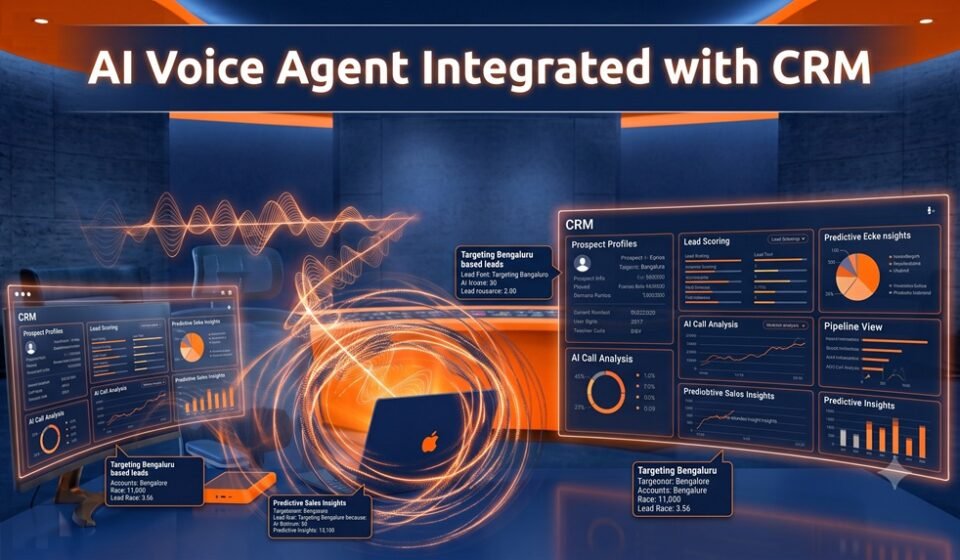

AI voice agents integrate with CRM systems through API connections, webhooks, and native integrations that allow real-time data synchronization. When a voice agent completes a call, it automatically logs the interaction, updates contact records, triggers workflows, and routes leads — all without manual input from your sales or support team.
Introduction to AI Voice Agent and CRM Integration
The modern sales and customer service landscape demands speed, accuracy, and scalability. AI voice agents — automated systems capable of conducting natural, human-like phone conversations — have emerged as a powerful solution. However, their true potential is unlocked when they connect seamlessly with CRM platforms like HubSpot or Salesforce.
This integration creates a closed-loop system where every voice interaction informs your customer data, and your CRM data shapes every conversation. The result is a more personalized, efficient, and measurable customer experience.
Key Concepts You Need to Understand
API-Based Connectivity
Most AI voice agent platforms connect to CRM systems through REST APIs. This allows the voice agent to both read from and write to your CRM in real time. Before a call, it pulls contact history. After a call, it pushes updated notes, call outcomes, and next steps.
Native Integrations vs. Custom Builds
Platforms like Aircall, Bland.ai, Vapi, and Retell AI offer pre-built integrations with HubSpot and Salesforce. These reduce setup time significantly. For more complex workflows, teams use middleware tools like Zapier, Make (formerly Integromat), or direct API development.
Webhooks and Event Triggers
Webhooks allow your CRM to send or receive data the moment a specific event occurs — such as a call ending, a lead status changing, or a deal stage updating. This real-time communication is what makes the integration feel seamless rather than delayed.
Data Fields and Object Mapping
A critical step in any integration is mapping your voice agent's output fields to the correct CRM objects. For example, a call summary might map to the Notes field in a HubSpot contact record, while call disposition maps to a Deal Stage in Salesforce.
Step-by-Step Guidance: Setting Up Your Integration
Step 1: Choose a Compatible AI Voice Agent Platform
Select a voice agent solution that lists HubSpot or Salesforce as a supported integration. Review documentation to understand what data can be exchanged and in which direction.
Step 2: Connect Your Accounts
In most platforms, navigate to the integrations or settings panel and authenticate your CRM using OAuth or an API key. For Salesforce, you'll typically install a connected app. For HubSpot, you'll authorize through the HubSpot marketplace.
Step 3: Map Data Fields
Define exactly what information the voice agent captures and where it should live in your CRM:
- Contact name and phone number → Contact record
- Call duration and timestamp → Activity log
- Call summary and sentiment → Notes or custom fields
- Lead qualification outcome → Lead status or deal stage
Step 4: Configure Triggers and Workflows
Set up automated workflows that fire based on call outcomes. For example:
- If a lead says "yes," update the deal stage to Qualified and assign a follow-up task to a sales rep.
- If a call is unanswered, schedule an automatic callback or enroll the contact in a nurture sequence.
Step 5: Test in a Sandbox Environment
Before going live, run test calls in a development or sandbox environment. Confirm that data is flowing correctly, records are updating accurately, and no duplicate contacts are being created.
Step 6: Monitor and Optimize
Use your CRM's reporting tools alongside your voice agent's analytics dashboard to track performance. Measure metrics like call-to-conversion rate, average handle time, and CRM data accuracy.
Conclusion
Integrating AI voice agents with CRM systems like HubSpot or Salesforce transforms how businesses manage customer interactions. By automating data entry, enabling real-time record updates, and triggering intelligent workflows, this integration eliminates friction and empowers your team to focus on high-value work.
Whether you're scaling outbound sales calls or automating customer support, a well-configured AI voice agent and CRM integration is no longer a competitive advantage — it's quickly becoming an operational necessity. Start with a clear data mapping strategy, choose a platform with proven integration support, and build workflows that reflect your actual sales process.
Frequently Asked Questions
Can AI voice agents update Salesforce records in real time?
Does HubSpot natively support AI voice agent integration?
What happens if a contact already exists in the CRM?
Is this integration secure and compliant?
Can voice agents trigger email or SMS follow-ups through the CRM?
—